Find your starting point
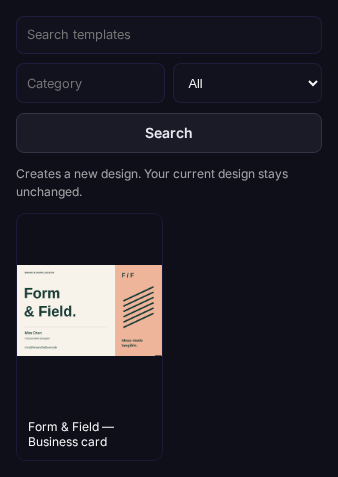
Browse SupaDox and community designs, start from scratch or describe your idea to AI.
Loading…
Your ideas. Your information. Your designs.
Turn a prompt, a template or a blank page into a design you can make your own. Keep your information close and every detail editable.
Start with Free. Explore Pro when you need more.
How it works
One connected workflow, from the first idea to the final file.
Browse SupaDox and community designs, start from scratch or describe your idea to AI.
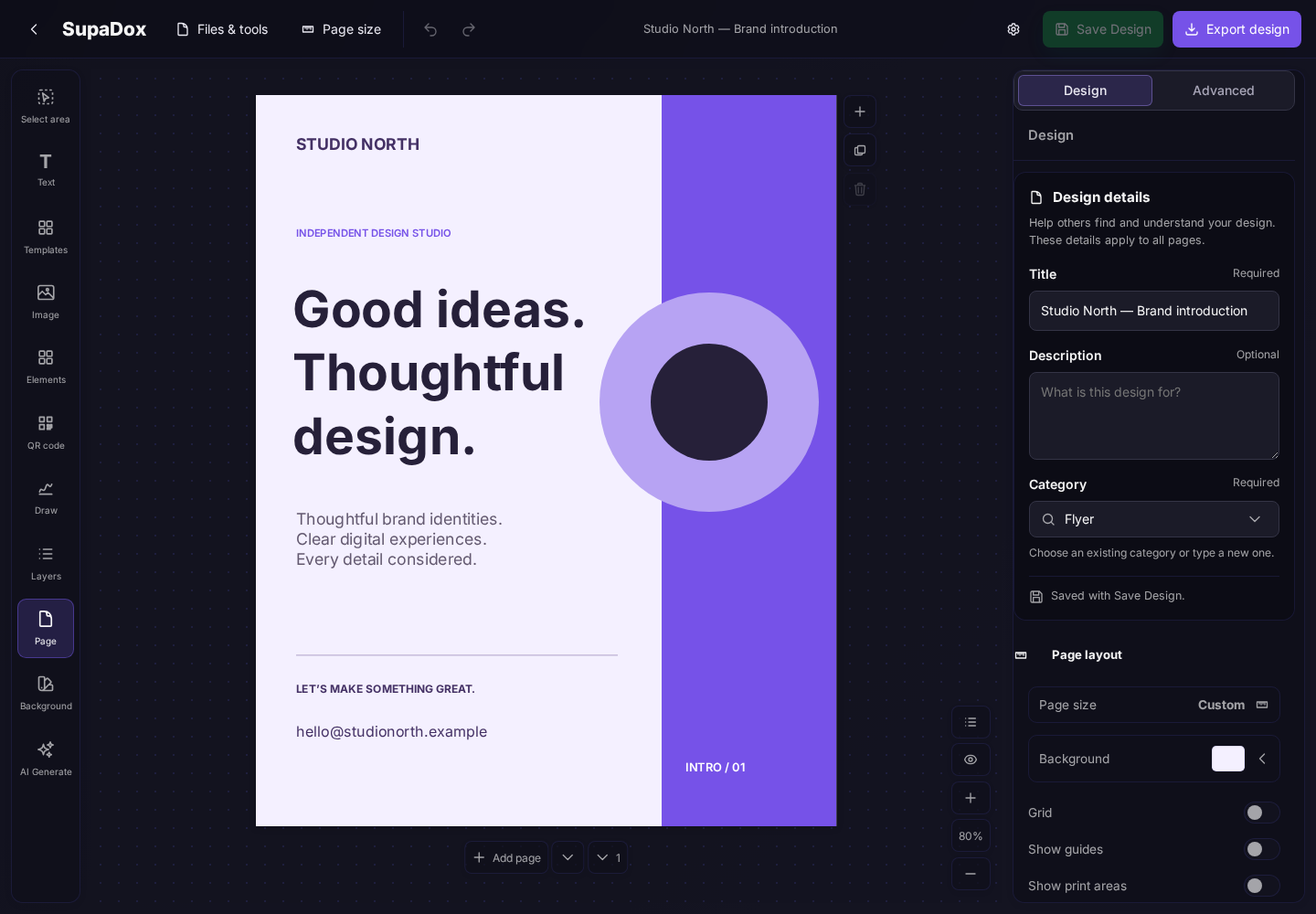
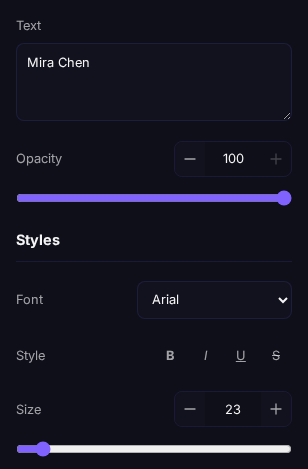
Add your information, edit text and artwork, and arrange your design in the visual editor.
Save your design with a preview. Reuse selected elements and export your finished pages.
Beyond the canvas
A finished design is just the beginning. Share it, post it, print it, or keep it ready for your next idea.
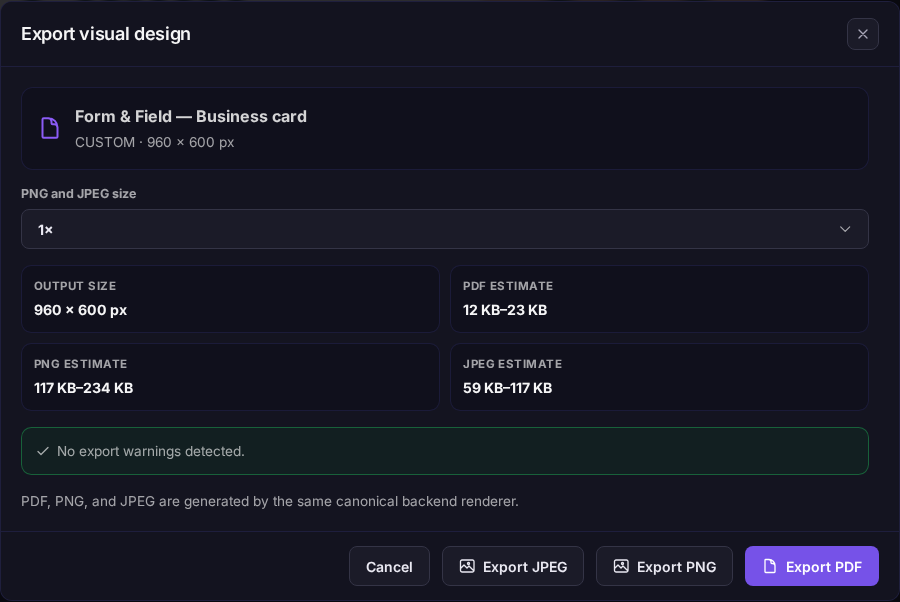
PDF is included in Free. SVG, PNG, JPEG, and WebP are available with Pro and Premium.

Scalable artwork, with text preserved as outlines.
Data collections
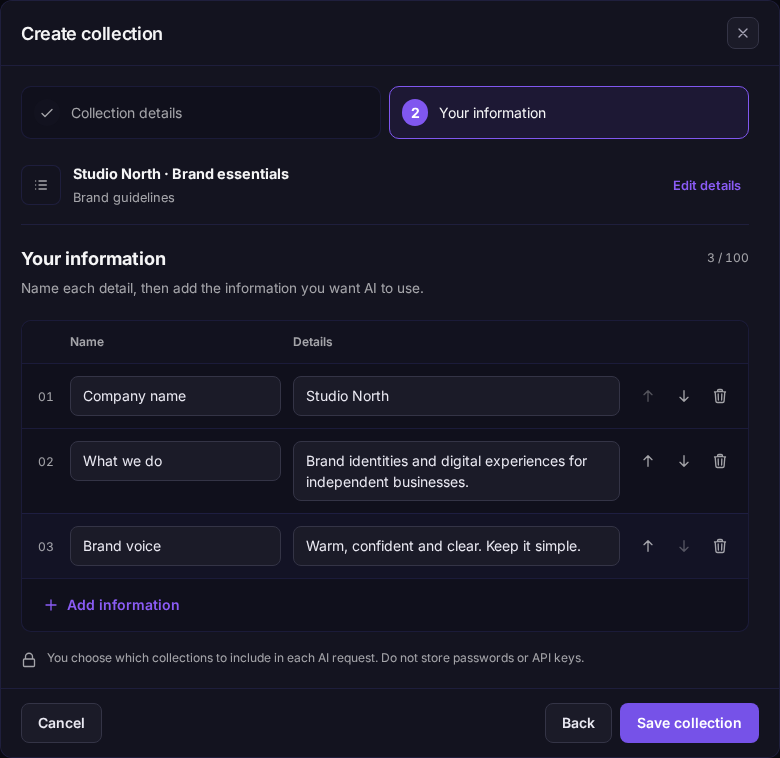
Save brand details, contact information or CV facts once. Choose a collection when you ask AI to create or update a design, instead of typing everything again.
Built to work together
Discover a starting point, bring your own content and keep the useful parts for next time.
Discover recent and popular designs from SupaDox and the community. Filter by category and save your favorites.
Describe your design or changes, add an image and collections, and let SupaDox AI build it. Review and refine the result in SupaDox.
Select an area or a layer to copy, group or turn into a separate design. Work with editable elements, not a flattened picture.
Work across multiple pages and export to PDF, SVG, PNG, JPEG or WebP. Keep an editable copy with JSON or a SupaDox package.
SupaDox AI is included in every plan. No API key needed. Compare plans
Good to know
No. Start with a blank design or a library design and edit it yourself. AI is an optional starting point or editing assistant.
Free includes 1 AI request per month, Pro includes 15, and Premium includes 25 using our best AI model. No API key or credit packs needed.
No. You choose which collections to attach to each AI request. Only include information you want to share with your chosen AI service; never store passwords or API keys.
Your next idea starts here
Start with Free. Explore Pro when you need more.